Ensuring your laptop’s cooling system is functioning properly is vital for optimal performance and longevity. Laptops generate a lot of heat during regular use, particularly when running resource-intensive applications like video editing software or games. If the cooling system isn’t effective, this heat can lead to overheating, which in turn may cause system slowdowns, unexpected shutdowns, and long-term damage to internal components like the CPU, GPU, and battery.
The cooling system typically includes fans, vents, and heat sinks, all of which work together to dissipate heat away from the sensitive internal parts. Over time, dust and debris can accumulate in the vents and around the fans, which restricts airflow and reduces cooling efficiency. To keep the cooling system working well, you should regularly clean the vents using compressed air to remove dust buildup. You can also use cooling pads to help maintain lower temperatures during extended use.
Monitoring your laptop’s temperature is also an essential practice. You can use software tools to check CPU and GPU temperatures—ideally, they should stay within safe ranges, usually below 90°C. If you notice temperatures consistently exceeding this threshold, it could be a sign that the cooling system needs attention. Overheating can result in thermal throttling, where the system reduces performance to lower the temperature, affecting your laptop’s speed and responsiveness.

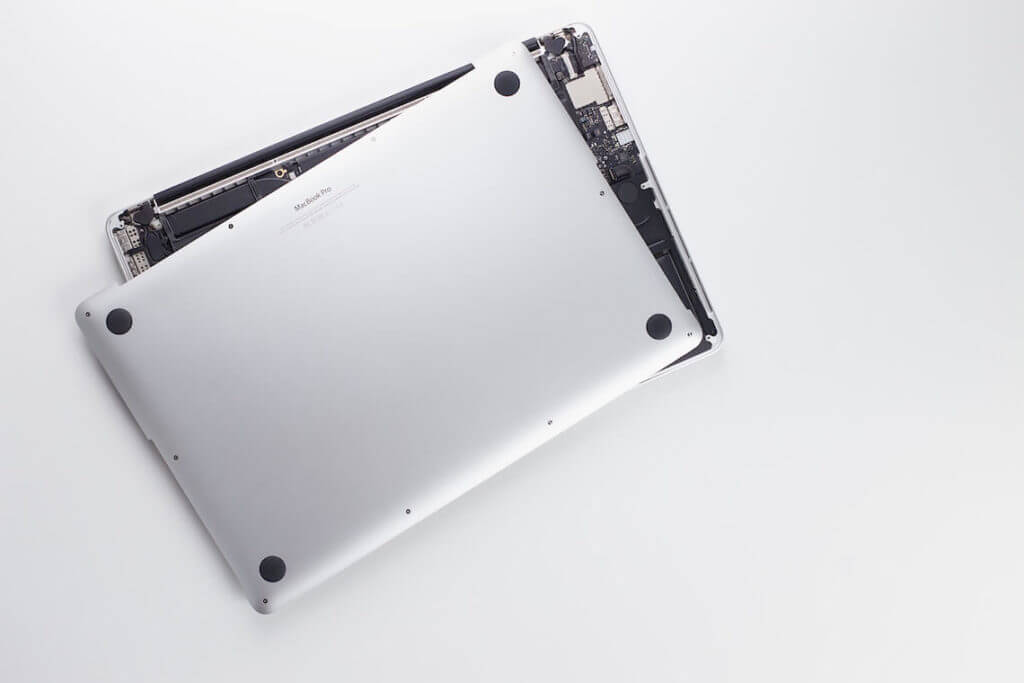
Another important step is to keep your laptop on hard, flat surfaces while in use. Soft surfaces like beds or couches can block the cooling vents, leading to increased heat buildup. If you frequently use your laptop on your lap or other uneven surfaces, consider investing in a laptop stand that allows for better airflow.
Replacing thermal paste is another factor to consider, especially for older laptops. Thermal paste is a material applied between the CPU and the heat sink to ensure efficient heat transfer. Over time, the thermal paste can dry out, reducing its effectiveness and causing temperatures to rise. Reapplying thermal paste can help restore efficient cooling, but this should be done by a professional if you’re not experienced with laptop hardware.
In conclusion, keeping your laptop’s cooling system in good working order involves regular cleaning, using proper ventilation, monitoring temperatures, and addressing any overheating issues promptly. Taking these steps can help maintain performance and prevent costly repairs, ensuring that your laptop runs smoothly and efficiently for years to come.